video
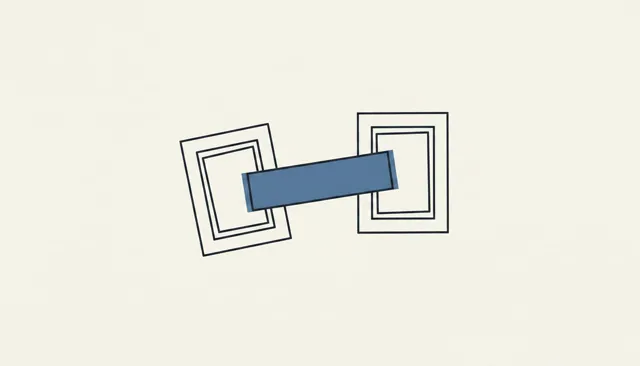
Camera
How the camera moves: push, pull, pan, truck, follow, orbit, crane. Name the position and the move, and AI video stops drifting aimlessly.
Prompts
Camera moves, composition and character sheets, Nomi’s expression presets and six open-source prompt collections. Copy any of them, or apply them in Nomi with one click.
video
How the camera moves: push, pull, pan, truck, follow, orbit, crane. Name the position and the move, and AI video stops drifting aimlessly.
image
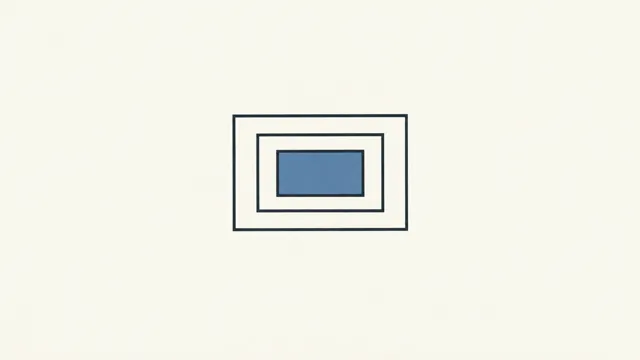
How the frame is arranged: high and low angles, thirds, symmetry, negative space. A clear composition instruction beats a pile of adjectives.
image
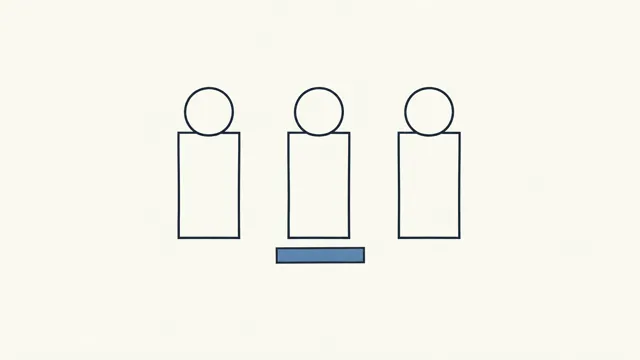
Turnarounds, expression sheets and character sheets: settle who the character is first, and every later shot looks like the same person.
image
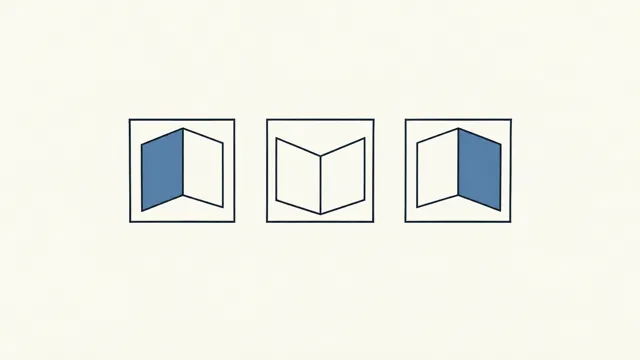
A location seen from several angles, so later shots agree with each other.
image
Lay a scene out as storyboard panels and read the whole beat in one image.
image
Extend a frame or restore an old image without changing the subject.
image
Take the “AI look” out: skin, materials and light that read like real photography.
These collections come from open-source repositories on GitHub. Nomi fetches the latest entries online; the pages below list the part that ships inside Nomi and works offline.
image · CC0-1.0
EvoLinkAI/awesome-gpt-image-2-API-and-Prompts
image · CC-BY-4.0
YouMind-OpenLab/awesome-nano-banana-pro-prompts
image · MIT
ImgEdify/Awesome-GPT4o-Image-Prompts
video · CC-BY-4.0
YouMind-OpenLab/awesome-seedance-2-prompts
video · MIT
zhangchenchen/awesome_sora2_prompt
video · CC0-1.0
hr98w/awesome-sora-prompts
macOS · Windows · AGPL-3.0 · No account