Empty-frame bridge 空镜转场
Empty-frame bridge: Add a precise camera or composition instruction to the scene.
Slow drift across an empty {场景}, no subject in frame; hold, then the next shot opens on a matching color/toneEffects
How the camera moves: push, pull, pan, truck, follow, orbit, crane. Name the position and the move, and AI video stops drifting aimlessly.
Replace the parts in braces with your own content.
Empty-frame bridge: Add a precise camera or composition instruction to the scene.
Slow drift across an empty {场景}, no subject in frame; hold, then the next shot opens on a matching color/tone
OTS dialogue: Add a precise camera or composition instruction to the scene.
Long-lens over-the-shoulder, foreground shoulder soft, focus on the far face, shallow depth of field
Emotion close-up: Add a precise camera or composition instruction to the scene.
Extreme close-up on {hands/eyes}, micro-movement only, a tremor / a tightening grip
Dolly follow: Add a precise camera or composition instruction to the scene.
Smooth dolly tracking behind the walking {主体}, steady, matching pace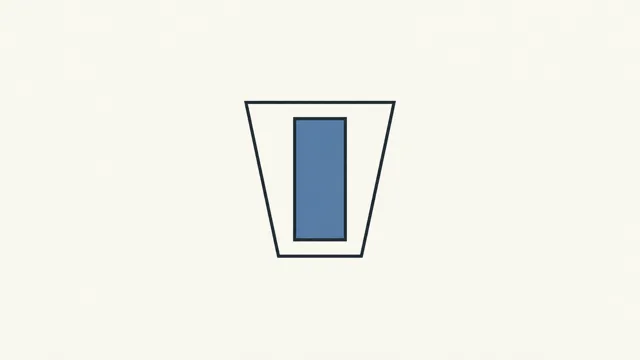
Low-angle hero: Add a precise camera or composition instruction to the scene.
Low angle looking up at the standing {主体} against the sky, slow tilt up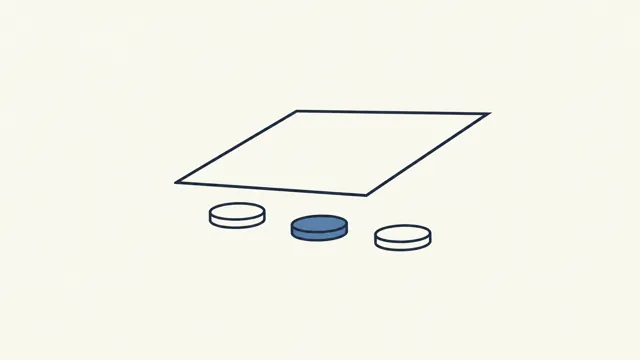
High-angle crowd: Add a precise camera or composition instruction to the scene.
High overhead looking straight down, {主体} small within a larger pattern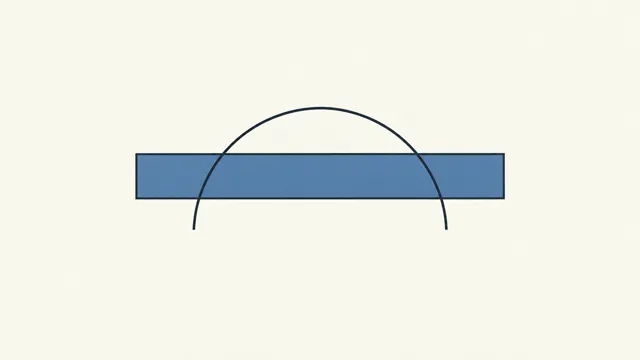
Pan-scan vista: Add a precise camera or composition instruction to the scene.
Slow horizontal pan across a wide {场景}, revealing its full scale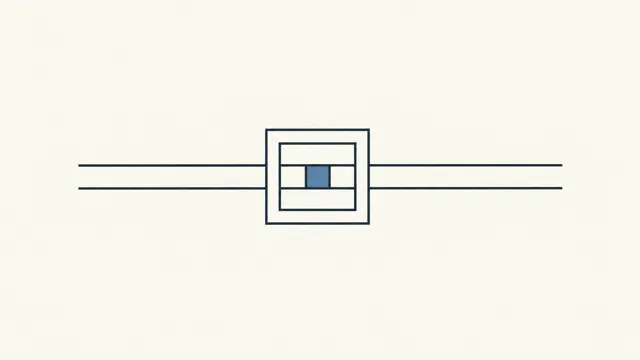
Tilt-shift miniature: Add a precise camera or composition instruction to the scene.
Tilt-shift, a shallow band of focus across a wide scene, top and bottom blurred
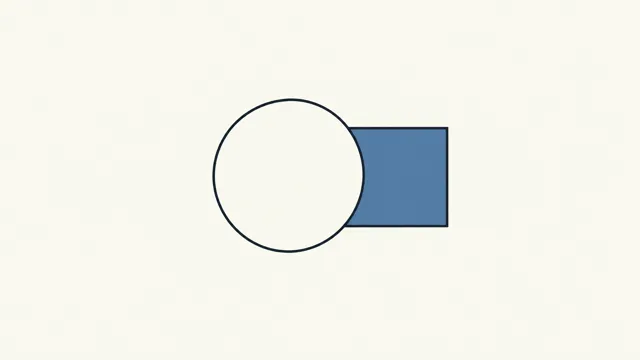
Backlit silhouette: Add a precise camera or composition instruction to the scene.
Hard backlight, {主体} rendered as a near-black silhouette, bright rim only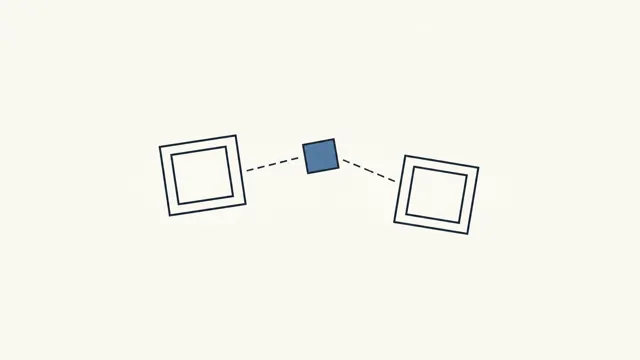
Handheld chase: Add a precise camera or composition instruction to the scene.
Tight handheld POV behind the running {主体}, frame jolting, lagging half a step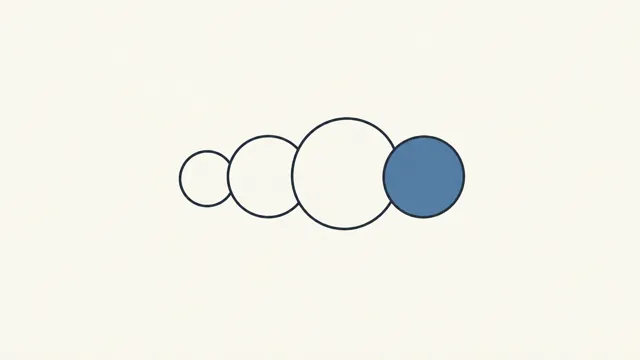
Slow-mo overcrank: Add a precise camera or composition instruction to the scene.
Extreme slow motion on the instant of {impact/shatter}, debris suspended mid-air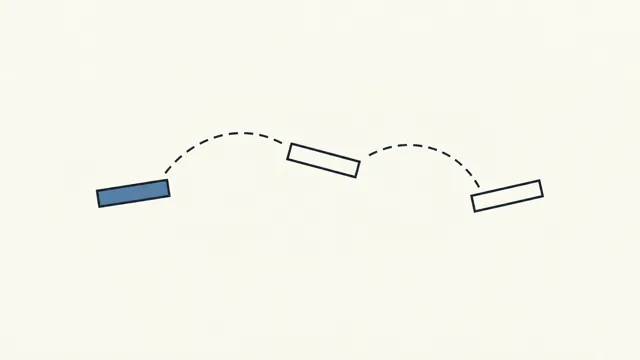
Time-lapse undercrank: Add a precise camera or composition instruction to the scene.
Fast time-lapse, clouds and shadows racing, light shifting over a near-static frame
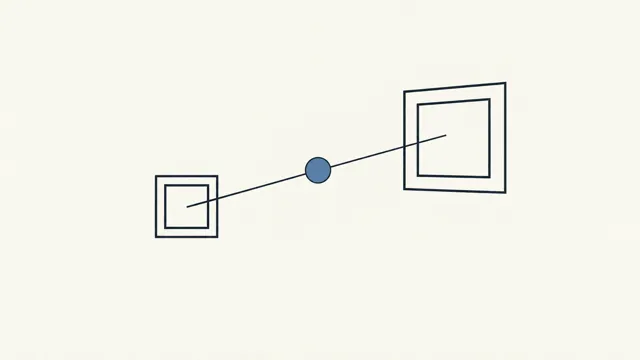
Rack focus reveal: Add a precise camera or composition instruction to the scene.
Rack focus from the foreground {object} to the figure behind it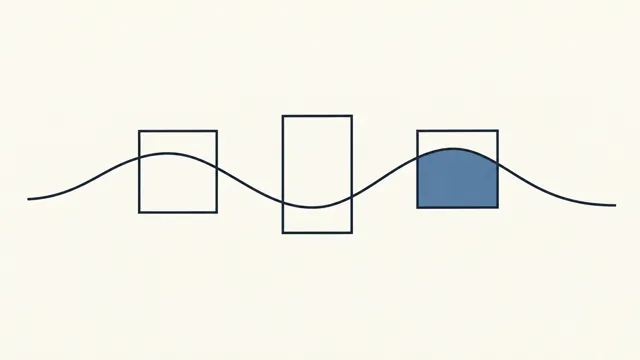
Oner / long take: Add a precise camera or composition instruction to the scene.
One continuous take, no cut, camera follows {主体} through the space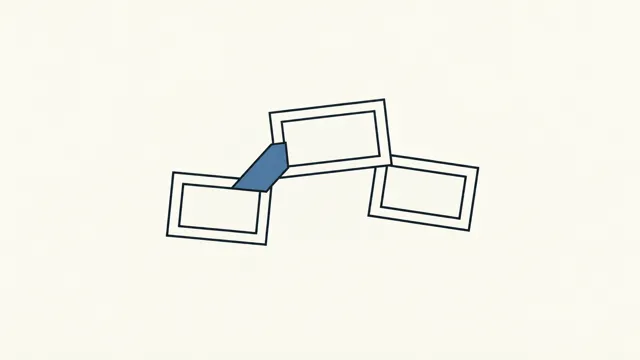
Montage intercut: Add a precise camera or composition instruction to the scene.
Rapid 0.5s intercut of charged details — sparks, eyes, blade, a held breath
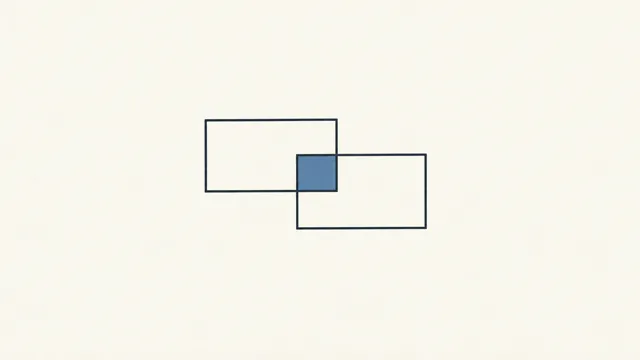
Dissolve: Add a precise camera or composition instruction to the scene.
Slow cross-dissolve, two faces/scenes overlapping before one resolves
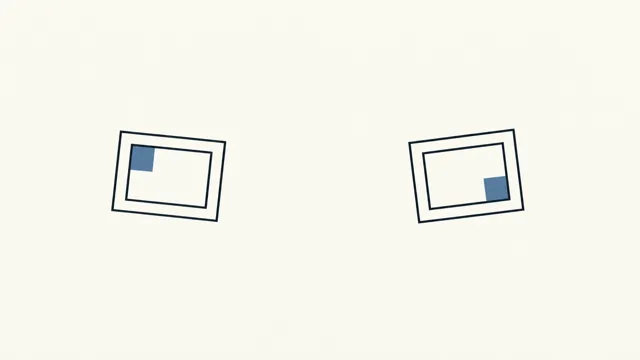
Flash-white: Add a precise camera or composition instruction to the scene.
Hard flash to white, then resolve on a new time/place
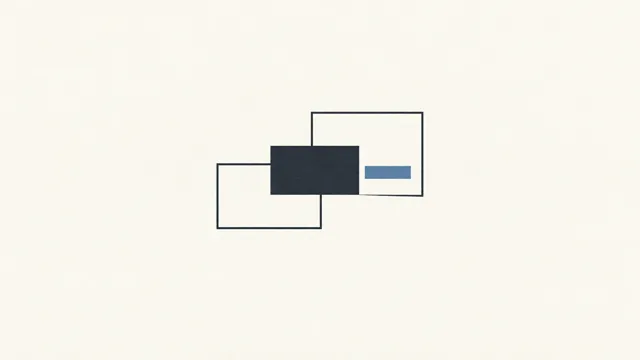
Cut-to-black: Add a precise camera or composition instruction to the scene.
Hard cut to black, hold one beat, resolve on the next scene
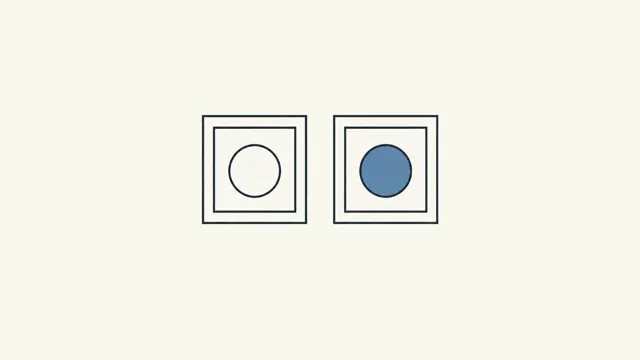
Match cut: Add a precise camera or composition instruction to the scene.
Match cut on a shape/color/motion — a tossed {object} becomes another object/place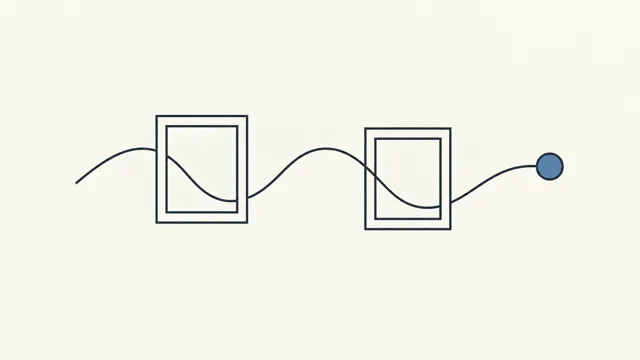
Sound bridge: Add a precise camera or composition instruction to the scene.
Carry the next scene's sound in before the picture cuts
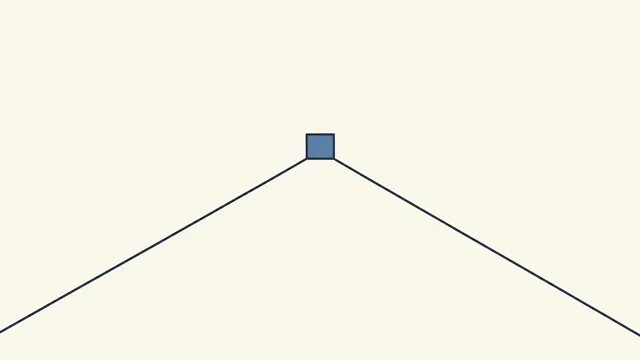
Subjective POV: Add a precise camera or composition instruction to the scene.
First-person POV, the camera is {主体}'s eyes, frame sways with gait and breath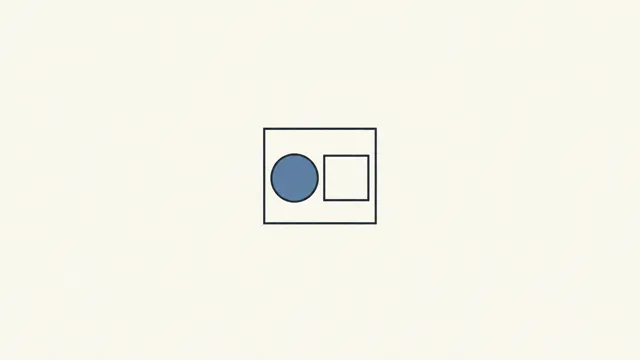
Objective POV: Add a precise camera or composition instruction to the scene.
Detached locked-off observer, no involvement, {主体} framed coldly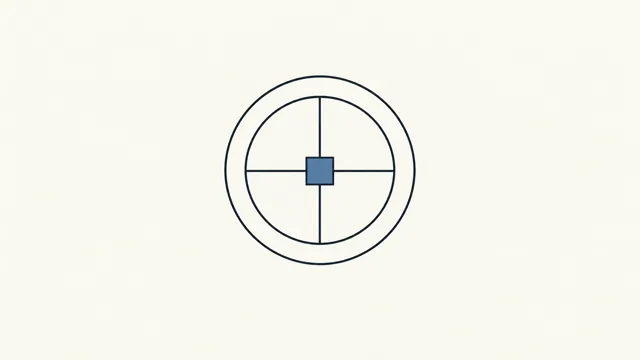
God's-eye top-down: Add a precise camera or composition instruction to the scene.
Top-down overhead on a pattern/maze, {主体} tiny within itFind the entry under Prompts on the left side of Nomi and click it to apply it to the selected card; the parts in braces are filled with the character, scene or text on that card.
macOS · Windows · AGPL-3.0 · No account