What’s new
- References carry a character or location straight in: up to 3 reference images — photos, generated images, 3D renders or selfies — place a subject into a new scene without re-describing what it looks like.
- Works without references too: references are optional, not required — that's the difference from its beefed-up sibling Gen-4 Image Turbo, which needs at least one. Plain Gen-4 Image generates from text alone.
- The same reference set holds up across a series: once a character or location is locked in, you can change the action, camera angle or background and the identity from those references stays put.
- Available through the API: since May 2025 it's not just a web-app feature — products and tools can call it directly.
What it’s good for
- Virtual try-on: place the same garment or accessory on different people or in different scenes.
- Batch product shots: one product across different backgrounds and angles without warping the product itself.
- Game assets and environment concepts: use references to lock a style and mood, then generate variations at scale.
Prompting tips
- Write full sentences, not a request: Runway's own guidance is to skip conversational phrasing that asks the model to do something, and instead describe the image directly — subject, framing and key traits stated as description.
- Negative prompts aren't supported: you can't write "no clouds in the sky" — describe what you want instead, e.g. write "a bald man" rather than "a man with no hair."
- Simple prompts work, but more detail buys more control: subject, scene, composition, lighting, color, style, angle, text and mood can each be called out separately when you want tighter control.
- Give each reference a job: with multiple references, name which one governs what (person / location / prop) in the prompt — references answer "who or where," the prompt answers "doing what, in what mood."
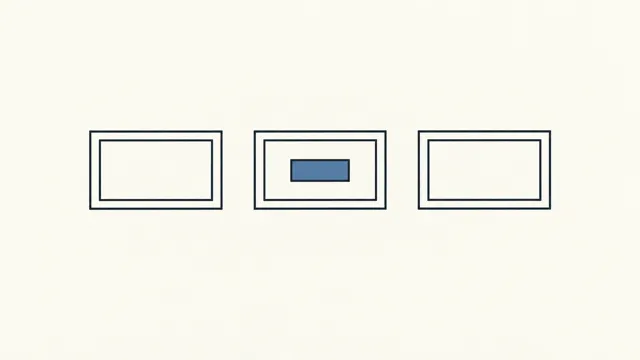
- Shapes and sketches can bound the composition: draw a labeled rectangle or circle on a reference image to set compositional boundaries, then use the prompt for the details inside them.
Cinematic photograph: the woman from reference image 1 wearing the tan leather tote bag from reference image 2,
walking through a rain-soaked city street at dusk, neon reflections on the wet pavement, medium shot, shallow depth of field, cool color grade.
Known limits
- Up to 3 reference images — anything beyond that isn't accepted.
- Negative prompts aren't supported; Runway's own guide states this explicitly.
- One image per generation, with no batch-count control — run it again for more.
Using it in Nomi
On the generation canvas, add a image card, pick “Runway Gen-4 Image” in the model picker and choose a mode (Text to image, Image to image). Add your references, write the prompt and generate. In the storyboard you can pick it per shot. The first time, connect any one of the providers above under Settings → Models.